
Modern digital menus that turn tables faster & smarter
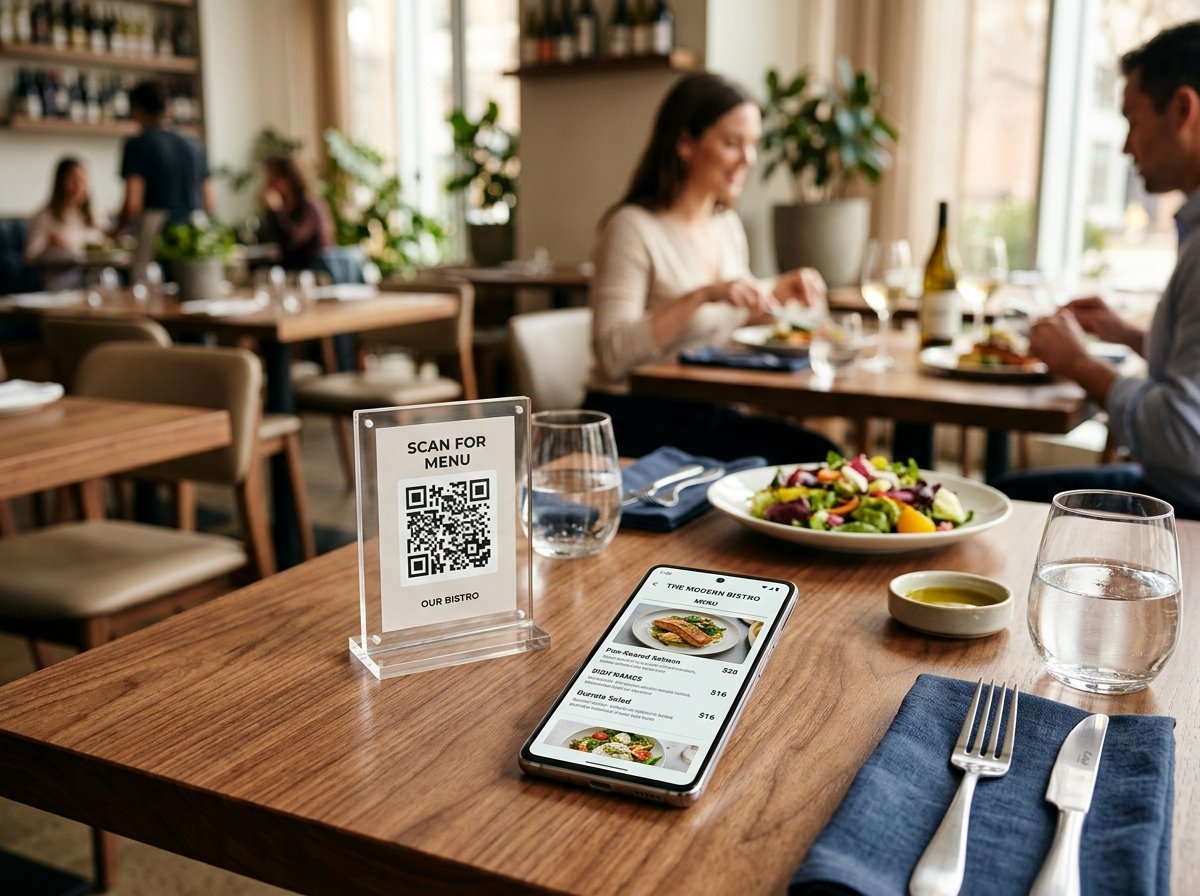
Replace paper menus with instant QR code digital menus. Guests scan with their phone camera to browse your food immediately. Update prices and availability in seconds without ever reprinting a QR code.
Already have a menu? Sign In
How It Works
A seamless bridge from table to screen
Tablio makes it effortless to transition from cumbersome paper menus to clean, instant QR dining. Here is how guests and staff interact with your digital menu.
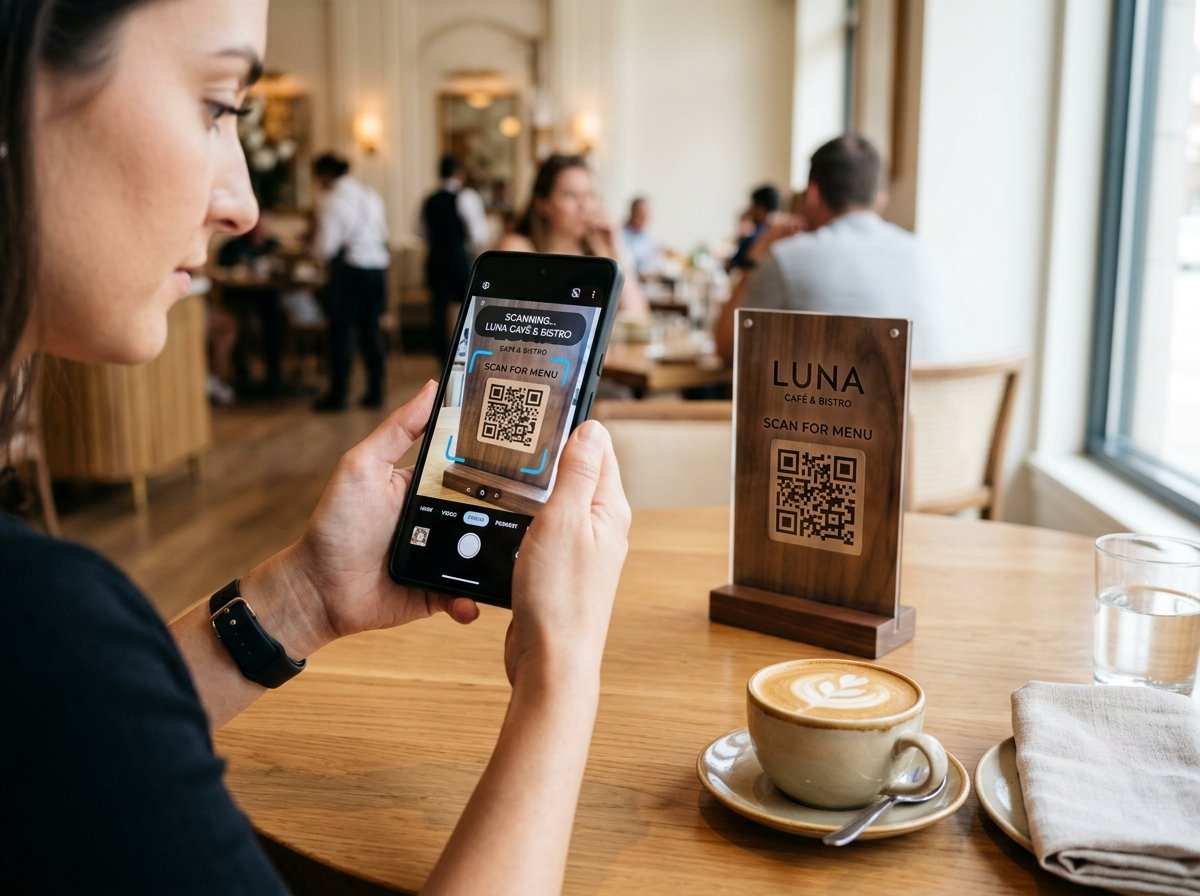
Point and scan in under two seconds
Diners sit down and point their default iPhone or Android camera at the QR code stand. No app downloads, no registration, and no waiting for busy servers to bring paper menus.
- Works instantly with any standard smartphone camera app
- Permanent table QR stands never need reprinting when dishes change
- Turns tables faster and frees waitstaff to focus on hospitality
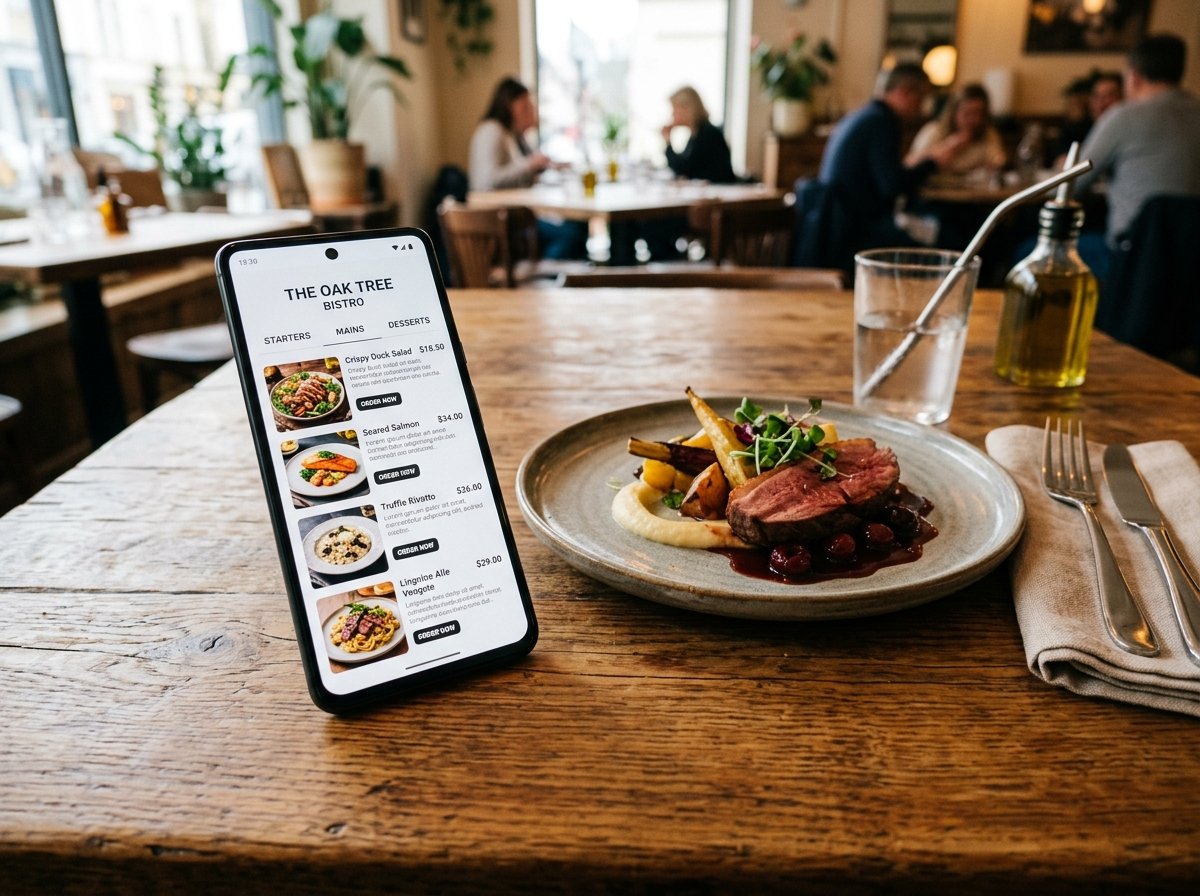
Appetizing, responsive digital menu with live updates
Crisp typography, organized categories, clear prices, and mouth-watering food photos load instantaneously on all mobile devices. Sold out of an item or adjusted a price? Update it directly from your dashboard and the guest's screen reflects it immediately.
- Instant availability toggles for sold-out kitchen items
- Organized categories for Starters, Mains, Drinks, and Specials
- Lightweight mobile interface optimized for cellular data connections
Register & Pay Setup Fee
Submit your restaurant details and transfer the one-time ETB 3,000 fee to Tablio's CBE bank account.
Get Your Permanent QR Stand
When payment is confirmed, Tablio generates your permanent URL (tablio.com/menu/your-restaurant) and high-resolution QR codes.
Guests Scan & Browse Food
Place the QR codes on your dining tables. Guests scan with any smartphone camera and browse your appetizing dishes immediately.
Platform Features
Built for day-to-day restaurant management
Mobile-First Speed
Clean, fast-loading interface optimized for iPhone and Android. Fast page loads even on standard cellular data connections.
Live Price & Availability Updates
Update prices or mark items as sold out with one click from your phone or tablet. The public menu updates immediately.
Permanent QR Codes
Your QR codes point to your permanent URL. Modifying your dishes or updating seasonal prices never requires reprinting QR stands.
Categories & Item Photos
Organize your offerings into Starters, Mains, Beverages, Desserts, and Specials with vibrant photos and dish descriptions.
No Per-Order Commissions
Keep 100% of your restaurant revenue. Tablio charges zero transaction cuts and zero ongoing monthly subscriptions.
Simple CBE Payment
Pay the one-time activation fee securely via Commercial Bank of Ethiopia (CBE) wire transfer or CBE Birr.
Transparent Pricing
One-time setup fee
No monthly subscriptions, no commissions on orders. Pay once and use your digital menu indefinitely.
- Complete restaurant digital menu setup
-
Permanent restaurant URL (
tablio.com/menu/...) - High-resolution downloadable QR code (PNG, SVG, PDF)
- Self-service menu editing dashboard